
Drag and Drop
An intuitive drag-and-drop interface lets you build forms without coding. Simply choose elements, arrange them freely, and your form comes to life.
Powerful, easy and fast — drag-and-drop building, no coding required
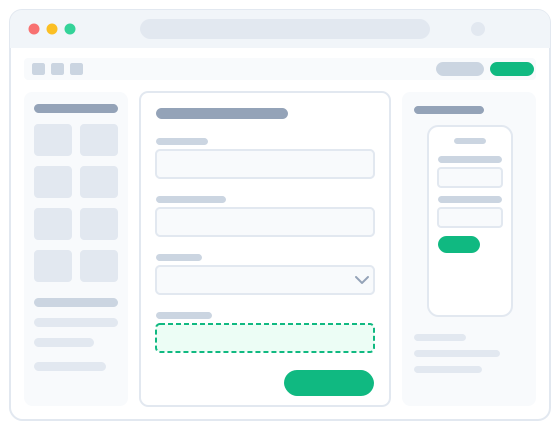
An intuitive drag-and-drop interface lets you build forms without coding. Simply choose elements, arrange them freely, and your form comes to life.

Take complete control of every aspect of your form — custom fields, layouts, and styles that perfectly match your brand and needs.

Forms look great on desktop, tablet, and mobile, ensuring a seamless user experience across all platforms.

Easily implement advanced validation rules to ensure data accuracy, with custom validation to guide users and prevent errors.

Easily integrate Google reCAPTCHA to protect your forms from spam and abuse, ensuring only genuine submissions are accepted.

Beautifully designed popup forms that can be triggered by various actions or conditions, boosting engagement and conversion rates.

Administrators receive email notifications on form submission, and users also receive automatic confirmation emails.

Save time by duplicating existing forms — create variations or new forms from successful templates in just a few clicks.

Create dynamic forms that adapt to user input. Show or hide fields based on responses, guiding users through a tailored experience.

Preview your form in real time as you build, making it easy to spot and fix issues so users see exactly what you intended.

Easily export forms for backup or sharing, and import them to quickly replicate or transfer your work across projects.

Easily view and manage all user submissions, accessing records directly from the dashboard for quick review and follow-up.
FormBuilder requires DNN 9.8 or higher.
Log in to DNN as a superuser, go to Settings → Extensions, and upload the installation package DNNGo_FormBuilder_x.x.x_Install.zip. See Module Installation for details.
Create a page named Form Builder Admin (admin-only access), add the DNNGo FormBuilder module to it, and manage all your forms from there. See Module Installation for details.
FormBuilder supports 23 element types: text, selection, date, file upload, e-commerce (product, quantity, total, shipping), signature, and more. See Elements for details.
Yes. Show or hide specific fields based on user input to create dynamic forms.
FormBuilder supports two major payment methods: PayPal and Stripe. Combine them with Product, Quantity, Total, and Shipping elements to build e-commerce forms. See Payment Settings for details.
Use the Anti Spam settings to integrate Google reCAPTCHA (v2 / v3), IP blocking, and Honeypot protection.
Yes. Through the Notifications settings, administrators receive submission notifications and users receive automatic confirmation emails. Conditional recipients, attachments, and variable insertion are supported.
Three types: Standard (single Portal), Professional (all Portals under one DNN installation), and Enterprise (all Portals and all DNN installations). See Activating the License for details.
Free upgrades to the latest version are available for 2 years from the date of purchase. After 2 years, contact us to renew.
Email us at dnnskindev@gmail.com to request a 15-day free trial, or visit the demo site to see it in action.
Visit the official store to purchase FormBuilder — available in Standard, Professional, and Enterprise licenses.
Buy Now ›Have a question about FormBuilder? Drop us an email and we'll be happy to help.
dnnskindev@gmail.com