Adding the Form to the Site
Publish a finished form to a DNN page so users can see and fill it in.
Add the Module to a Page
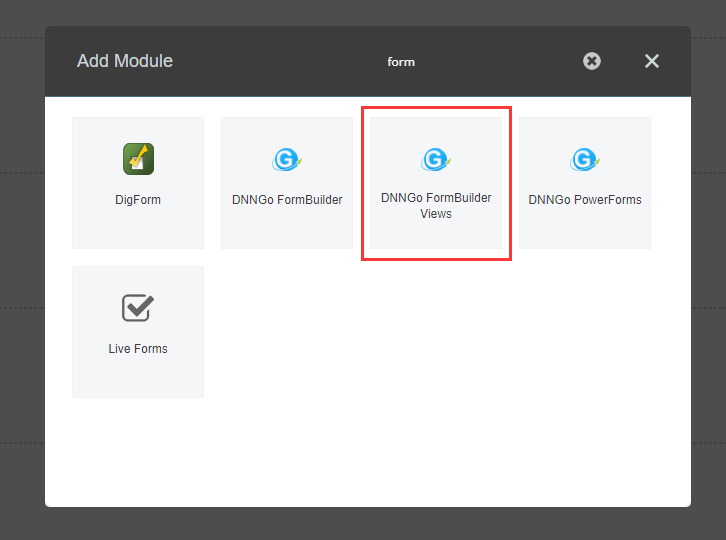
Log in to DNN as an administrator, then add the DNNGo FormBuilder Views module to a pane on the target page.
Choose the Form Source
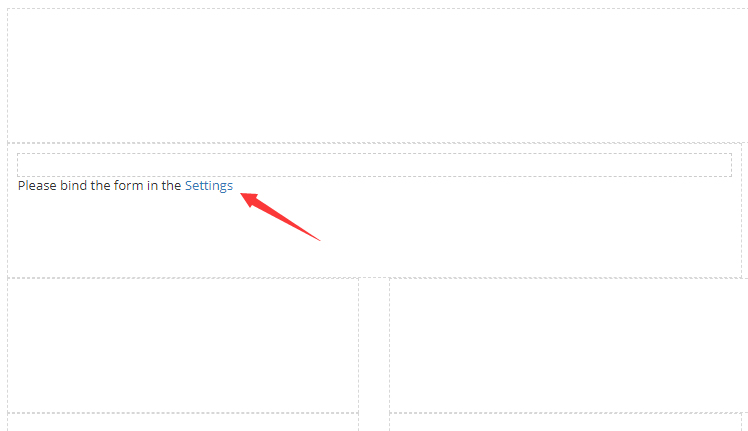
The form won't appear right away — you need to tell the module which form to display.
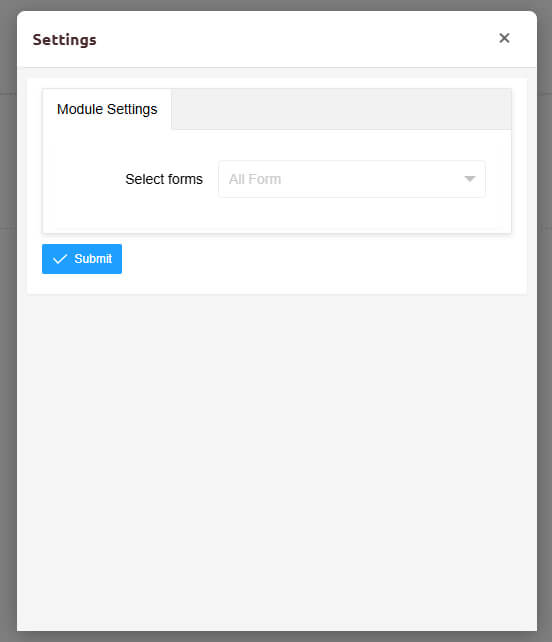
Click the module's Settings button, then open the DNNGo FormBuilder Views Settings tab and pick a form.
The drop-down lists every form in the current site.
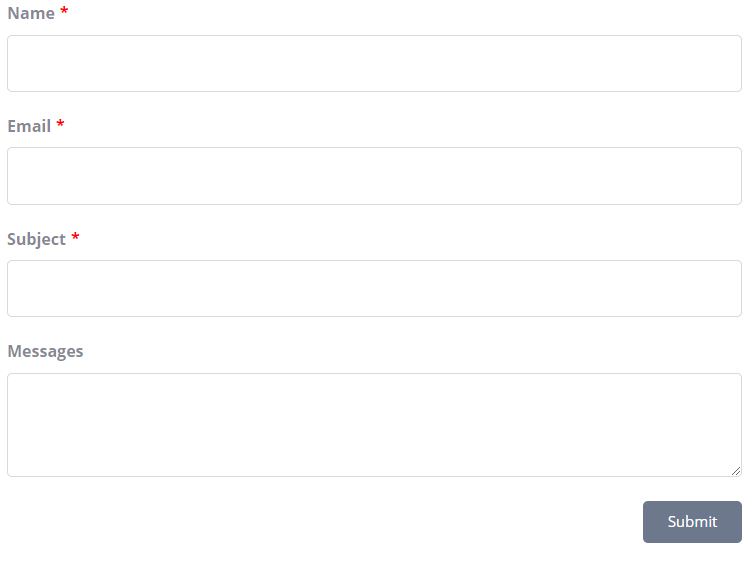
Select the form, save, and refresh the page. The form is now live.
Next Steps
- Element Types — Configure individual form elements
- Form Settings — Styles, notifications, and more
- Records — View submissions from your users